
Spaces:
Running on CPU Upgrade

Results were cropped

The results were cropped incorrectly. Is this a bug? How can you fix it? Can you fix it now?

I tested it and did not found obvious crop
Whoa I kinda recognize that character
It's the space on hugging face on the website
On my PC all the images outputted are cropped terribly and not resized
Every image is cropped a few pixels after the image is done. It really annoys the crap out of me. I tried making an ancient hypothetical video game console from the 1910s using an Atari 2600 but the only quirk after the image is done the image was cropped. it must stay uncropped and the same size as the original image
If only a few pixels are cropped, this is expected behavior.
The model requires the image width and height to be cropped to a multiple of 16, which is a technical requirement and only affects a very small edge area.

Each time I run a photo through the single image edit, it zooms in by roughly 5%. If you use image as input, it zooms in further. After 3 iterations, you have nearly 20% of the original image missing. The multi-image edit does not do this.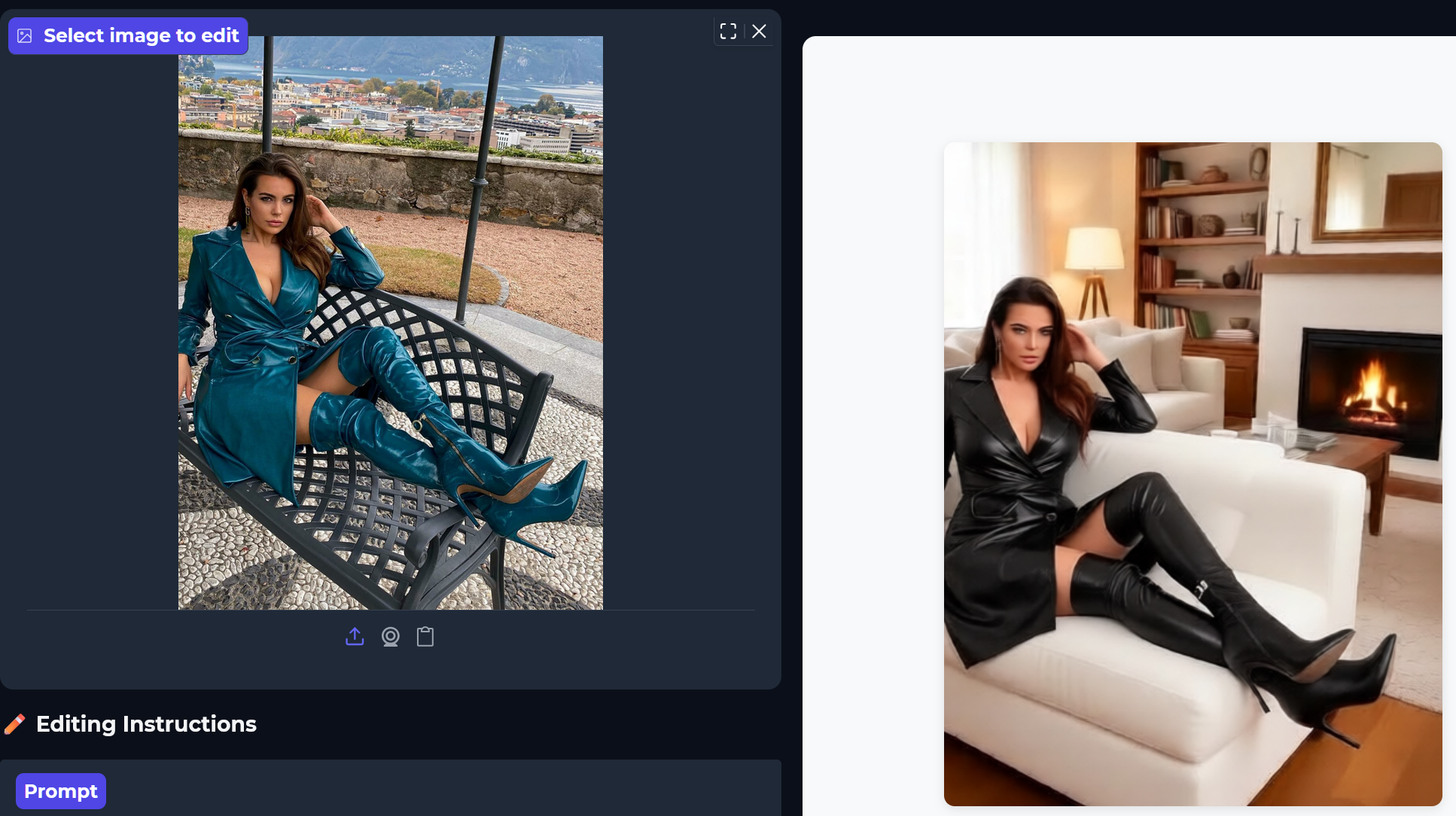
I sent an email with another example to the support email address.
Each time I run a photo through the single image edit, it zooms in by roughly 5%. If you use image as input, it zooms in further. After 3 iterations, you have nearly 20% of the original image missing. The multi-image edit does not do this.
Copy that, we will check it's normal or not